 RetroInbox
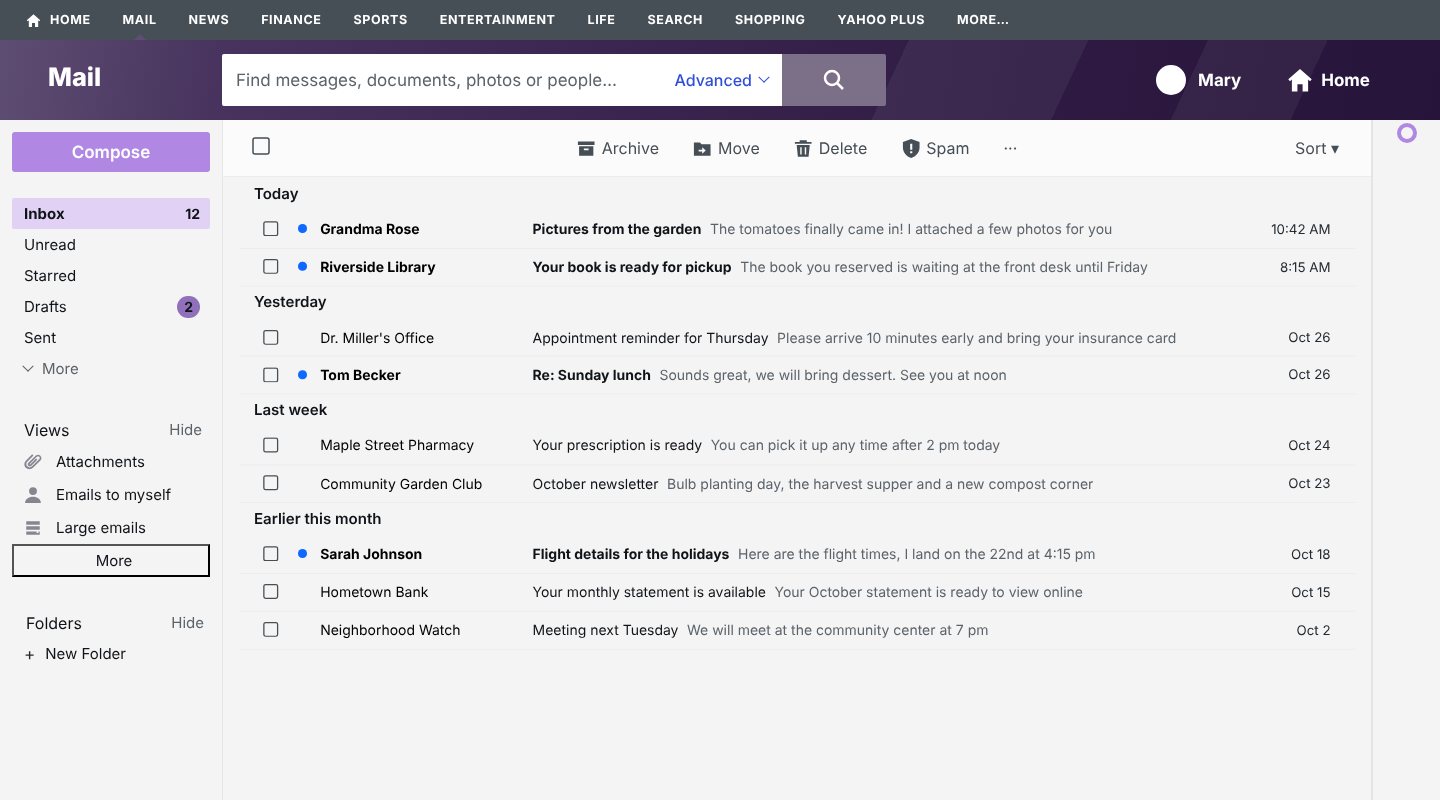
Where the ads are in Yahoo Mail
- In your message list: sponsored rows that look like emails, placed between your real messages.
- Beside your mail: a column of ad banners on the right side of the page.
- In pop-ups: offers to upgrade, install apps or turn on notifications.
The three ways, side by side
| Way | Cost | What it does | Good to know |
|---|---|---|---|
| Yahoo Mail Plus | About $5 a month in the US; prices differ by country | Yahoo's own ad-free plan for Yahoo Mail on the web, with extra features | Yahoo says subscribers may still see limited ads on other Yahoo pages. The new layout stays. |
| A general ad blocker | Usually free | Blocks ads on most websites, including many in Yahoo Mail | Does not change Yahoo's layout. Some need setting up, and blocking can sometimes break parts of a site. |
| RetroInbox | €5.99 a year, after 7 days free | Removes the sponsored rows, side banners and promotional pop-ups in Yahoo Mail, and brings back the classic layout | Works in Google Chrome on a computer. Not for the phone app. |
Which one should you pick?
- If you want no ads on every website and don't mind the new Yahoo layout, a free general ad blocker is enough.
- If you want Yahoo's own support and the extra Yahoo Mail Plus features, and the price is fine for you, take Yahoo Mail Plus.
- If you want Yahoo Mail clean and back in the classic look, for little money, try RetroInbox free for 7 days.
RetroInbox is our product, so we are not neutral. That is why the free option is listed too.
Install RetroInbox for Chrome7 days free, then €5.99 a year. No card needed for the trial.